1. Upload a photo
Upload a photo of the product, part or component you want to explain.
Need to show product dimensions on a photo? PartLabel helps you add linear dimensions, diameters, radii and callouts directly to images. It is designed for product photos, spare parts, engineering components and e-commerce catalogs.
Start Free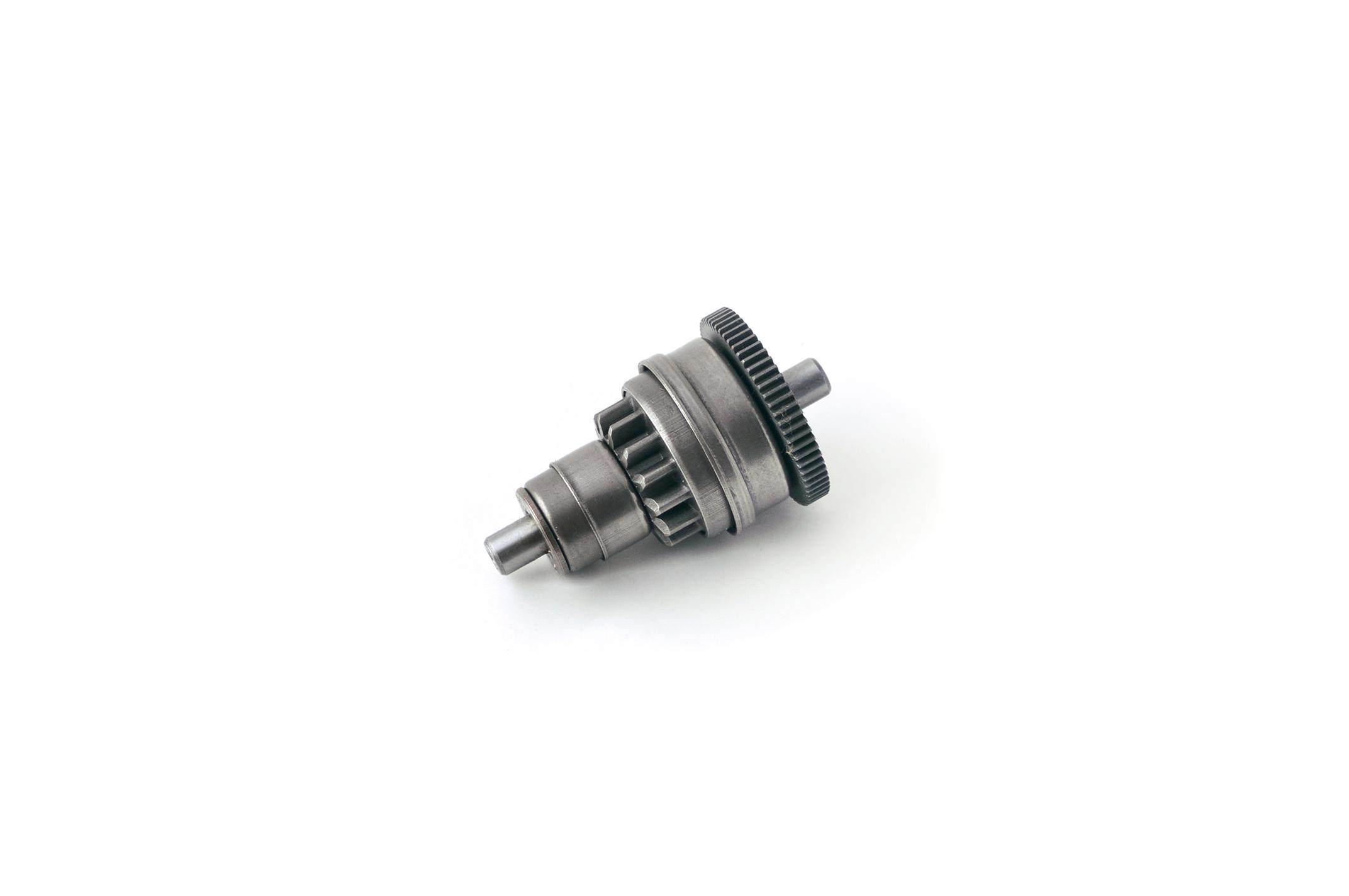
Upload a photo of the product, part or component you want to explain.
Add dimensions, diameter marks, radius labels and callouts directly on the image.
Export the finished image and use it in your store, catalog or customer message.
Yes. Upload a product or part photo and place dimensions, labels and callouts over the image. Clear, front-facing photos work best.
No. PartLabel is made for quick browser editing, so you can add useful technical markings without opening design or CAD software.
Yes. The tool is built for e-commerce product images, spare parts catalogs and technical product pages.
Yes. After marking the photo, export the result and upload it to your store or send it to a customer.
Yes. PartLabel runs online in a browser and does not require installation for the editor workflow.