1. Upload a photo
Upload a product image, spare part photo or workshop picture.
Create professional measurement graphics without Photoshop. PartLabel gives you a fast online editor for adding dimensions and specifications to images.
Start Free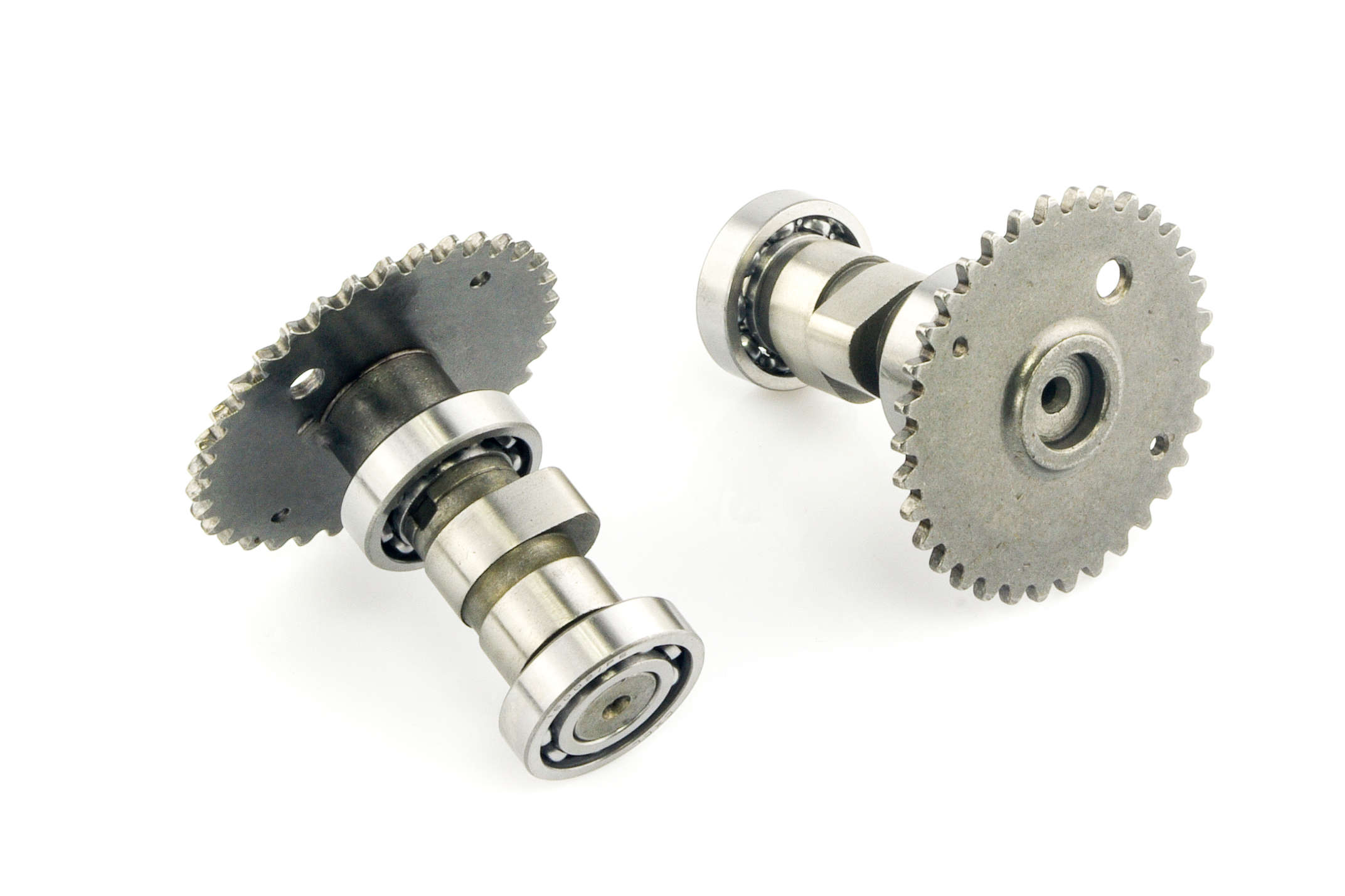
Upload a product image, spare part photo or workshop picture.
Choose linear, diameter, radius, callout or text tools and place the labels where customers need them.
Download the finished image for your product page, quote, catalog or support reply.
It is an editor for placing measurement arrows, labels and technical notes directly on a photo.
Yes. PartLabel is intended for product photos, spare parts and component images.
No. The editor works in the browser, so you can upload an image and start marking it online.
Yes. PartLabel includes dedicated diameter and radius tools as well as linear dimensions.
Yes. Export the edited image and use it on product pages, catalogs or marketplace listings.