1. Upload a photo
Upload a clear photo of the spare part, from a sprocket to a bearing or shaft.
Selling spare parts often requires more than a product title. Customers need to see diameters, lengths, hole spacing, number of teeth and other technical details directly on the image.
Start Free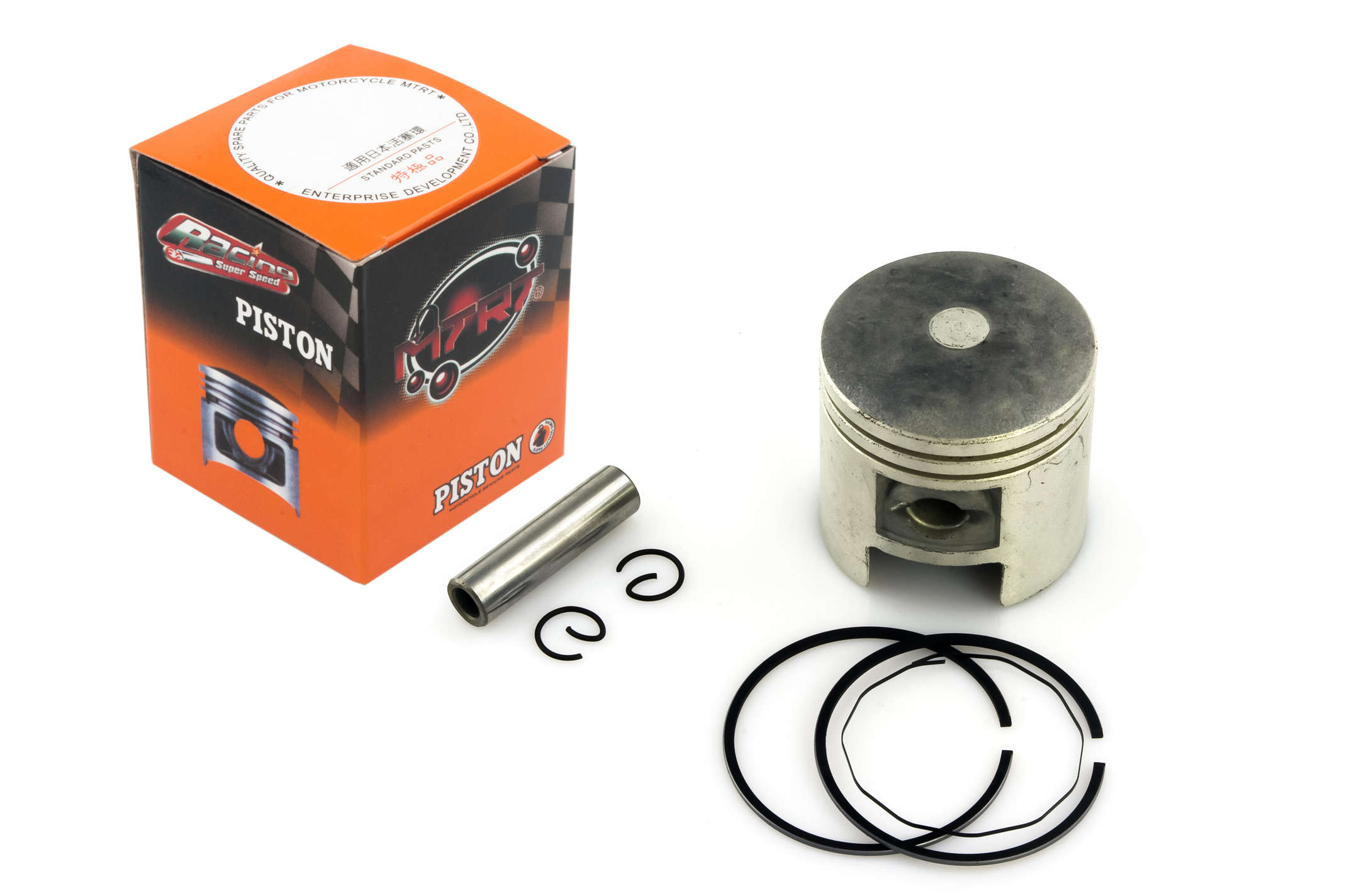
Upload a clear photo of the spare part, from a sprocket to a bearing or shaft.
Mark the critical dimensions: outside diameter, hole spacing, length, radius or note positions.
Export the image and place it in a parts catalog, listing or customer reply.
Yes. It helps show dimensions and specifications that buyers need to identify the correct part.
Yes. Use diameter, radius, linear dimensions and callouts to show the important measurements.
Yes. Linear dimensions and diameter labels are designed for exactly these kinds of details.
No. It is a fast photo markup tool for sales and catalog images, not an engineering drawing system.
Yes. Export the final image and use it in your catalog, store or support workflow.